Generate consistent characters via reference identity with Minimax H3
Unified consistent character(.char) across videos with Minimax-H3. Drop 2-5 image, describe your character & get the exported .char. Workflow uses advance techniques to put Minimax identity payload into one .char file to achieve consistent generation capabilities.
- character
- r2v
- minimax-h3
- video
369 views · 54 downloads · 0 shares
Inputs
Inline Studio can download these into your project on import, or you can wire up your own files instead.
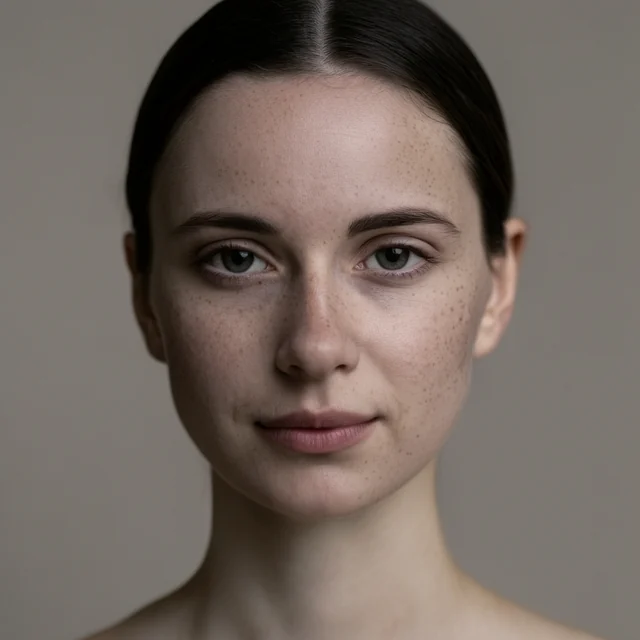
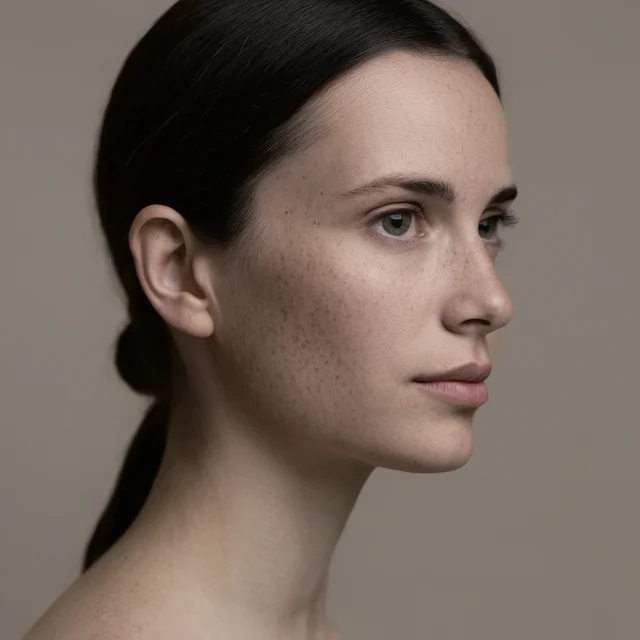
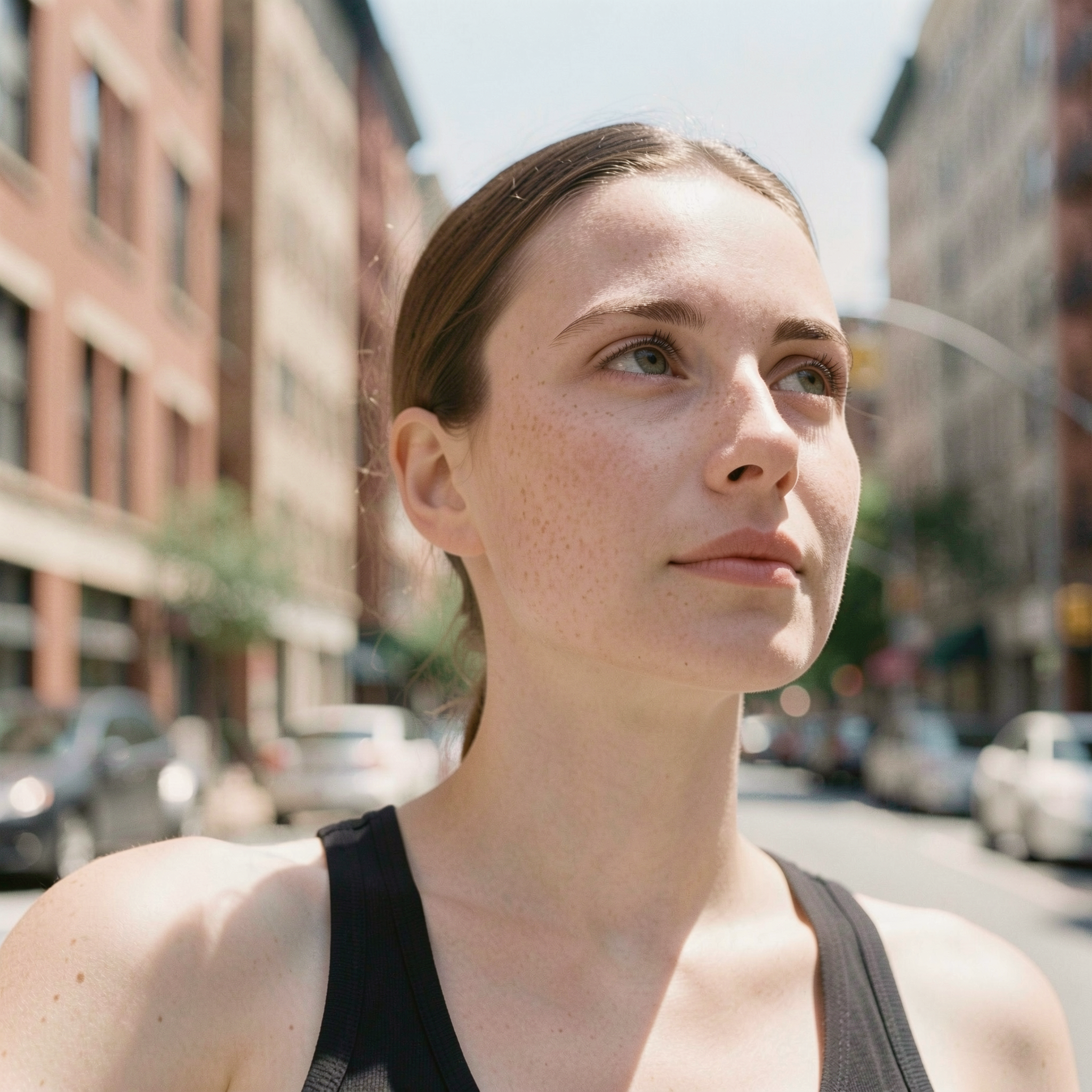
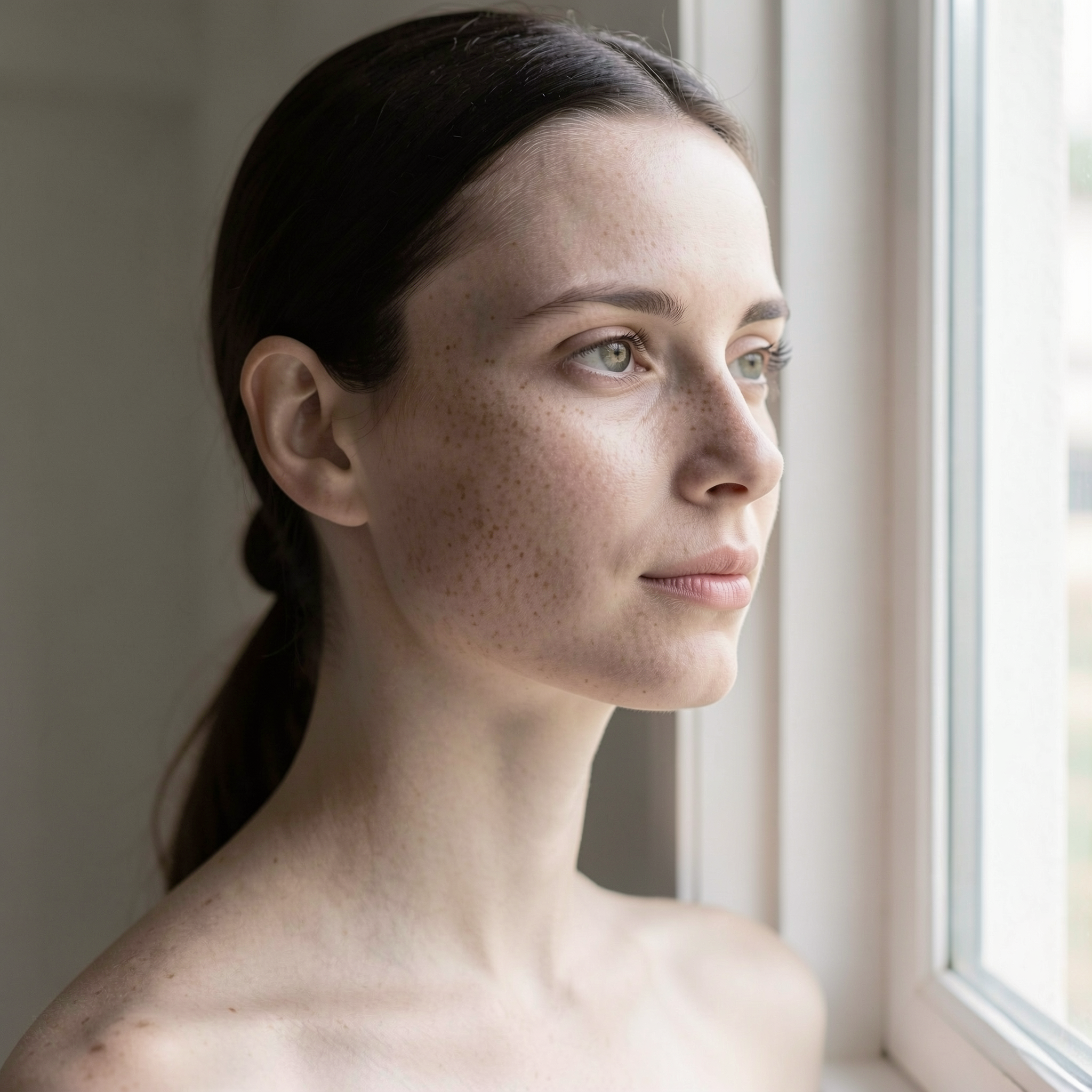
About this workflow
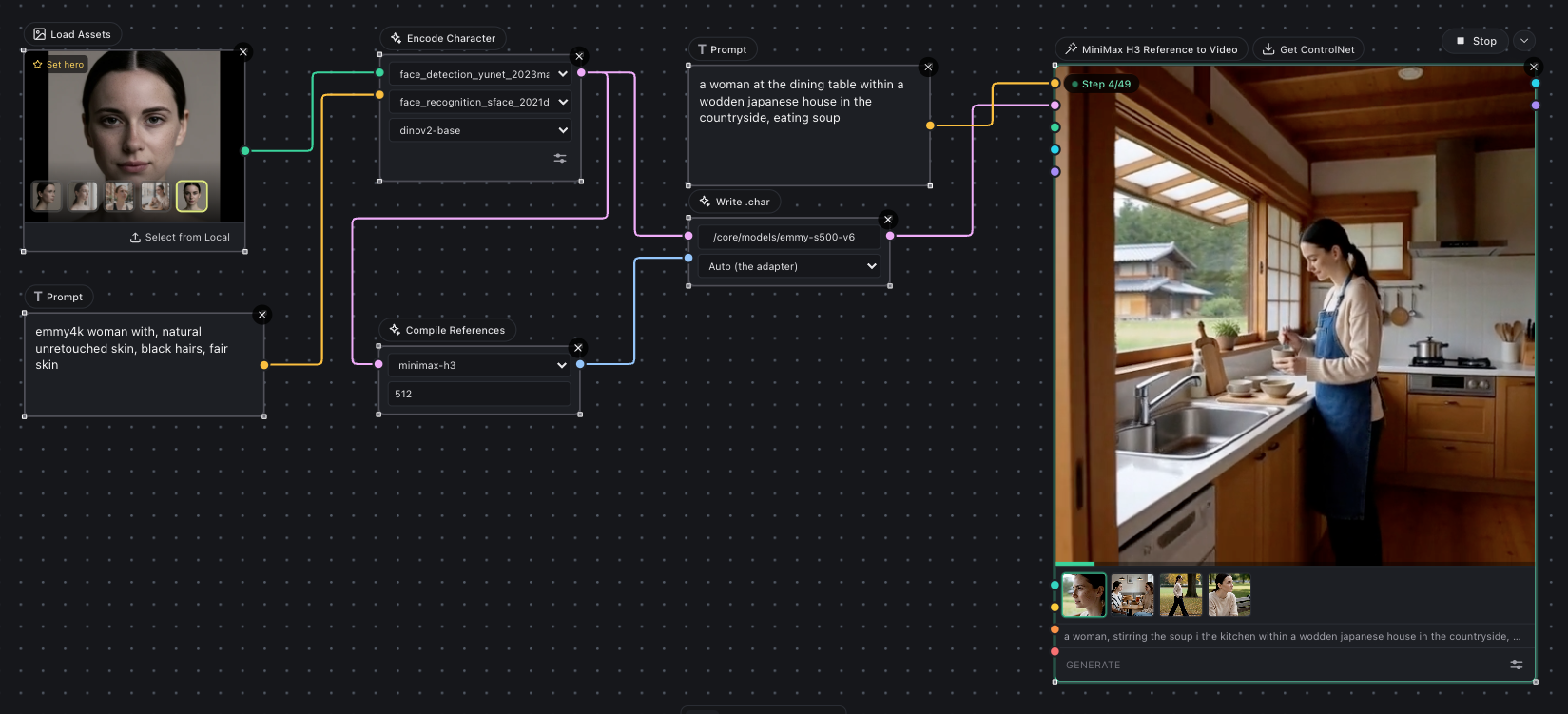
This workflow demonstrates process to build & generate with unified consistent character(.char) across videos with Minimax-H3. Drop 2-5 image, describe your character & get the exported .char. Workflow uses advance techniques to put Minimax identity payload into one .char file to achieve consistent generation capabilities.
Requirements
- Nvidia GPU: 24GB+ VRAM & 64 GB RAM
- Inline Studio installed(Installation guide on Github)
Steps
This is a step by step guide to run this workflow.
Step 1: Setup Inline Studio
- Visit installation instruction on our Github readme to setup Inline Studio on local machine with your own GPU.
- No GPU? Launch Inline Studio via official template on Runpod
Step 2: Download workflow
You can download this workflow from the download icon next to title. Click on it & the json file will be saved to your local machine.
Step 3: Drop the workflow
- Open Inline Studio canvas, create a new project or use an existing project
- Drag & drop the saved workflow into the canvas
Step 4: Install models
As soon as you dropped the workflow, missing model popup will guide you through model download.
Models required:
core/models/
  diffusion_models/  minimax_h3_ref2va_pruned_fp8_scaled.safetensors <-- supports bf16 as well
  text_encoders/     qwen3vl_32b_minimax_h3_nvfp4_awq.safetensors <-- supports fp32 for better quality
  vae/               minimax_h3_video_vae_fp16.safetensors
  vae/               minimax_h3_audio_vae_fp32.safetensors
  annotators/        face_detection_yunet_2023mar.onnx
  annotators/        face_recognition_sface_2021dec.onnx
  annotators/        dinov2-base/                               <-- folder
Step 5: Load inputs
Download both inputs in this given workflow & drop them in Load Assets node or you can add your own face images.
Step 6: Run Workflow
Minimax Reference to video generation node is already attached with character workflow in order to pass the generated character to the generation.
Once you will run the workflow, on successful run it will save a .char file under /core/model/characters folder.
Step 6: Reuse .char without rebuilding(Optional)
Most of the workflow part is responsible for building char model but you might not need to build model on each run.
If you just want to generate using same generated .char, Setup a new separate generation graph:
Load Character Node -> Add Prompt -> Load Reference to video Minimax H3 node -> Connect Links -> Generate
Related links
- Train multi model char for Flux2 & Krea 2
- Flux 2: Portable consistent characters, without LoRA training
For any issue or support, reach me out on Discord.